Pay by Zelle
Zelle is built into most U.S. bank and credit union apps. Pay by scanning the QR code below from inside your bank app's Zelle feature.
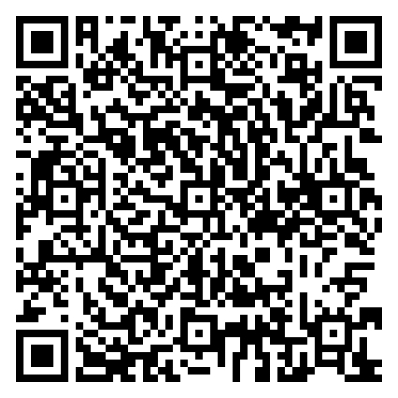
Recipient: IRA Billing and Management, Inc
Prefer to type it in? In your bank app's Zelle feature, send to access.msmc@gmail.com — the same recipient (IRA Billing and Management, Inc) will appear.
Important: Always include the patient's full name and statement date in the payment memo so we can apply your payment correctly.
⚠️ Zelle payments are immediate and cannot be reversed — please double-check the amount and recipient before sending.
Don't see Zelle in your bank's app? Your bank may not offer it — please pay by check instead.
Pay by Check
Make checks payable to: Michael Levinson, MD
Mail to:
PO Box 351
Burlingame, CA 94011
Please write the patient's full name and statement date on the memo line.
We do not accept credit cards.
Questions about your statement? Email us at billing@accessmultispecialty.com.